What a Small-Business Website Actually Needs to Do Well
A practical guide to mobile usability, speed, accessibility, enquiries, ownership, and maintenance—without chasing technology for its own sake.
A small-business website does not need every new framework or feature. It needs to explain the offer clearly, work well on the devices customers use, support a real business process, and remain manageable after launch.
Technology matters, but customers experience the result rather than the stack. A technically fashionable site that hides the phone number or loads slowly on a mobile connection is not doing its job.
Define the Website's Main Job
Choose the primary outcome before discussing pages or design. The site may need to generate quote requests, book appointments, sell products, explain a complex service, or help visitors find and contact a location.
Write down the most important visitor questions and the actions the business can reliably support. A local service company may need to show its service area, types of work, response process, evidence, and enquiry options. Adding an instant-booking feature is unhelpful if the office cannot maintain accurate availability.
Make the Mobile Journey Obvious
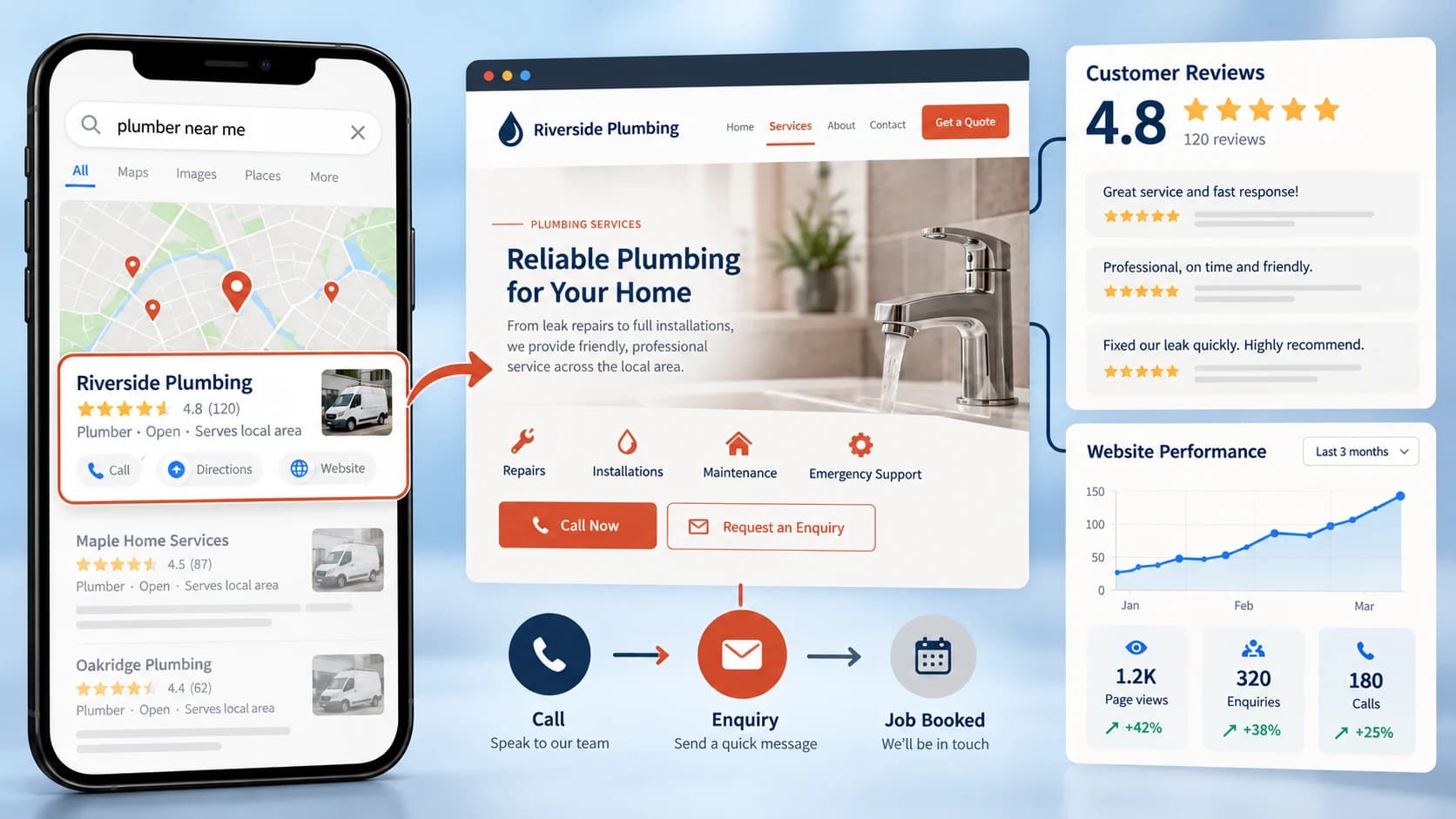
Many local customers will arrive from a map listing, social post, or search on a phone. Test the site at a realistic mobile size, not only in a desktop browser.
Check that:
- the main offer is understandable without zooming
- navigation labels use familiar language
- phone, directions, booking, and enquiry actions are easy to reach
- forms use the right input types and ask only necessary questions
- important information is not hidden inside complex animation
A visitor should not have to understand the company's internal structure to find a service.
Treat Performance as a Budget
Large photographs, tracking scripts, chat widgets, fonts, and animation all add weight. Decide what the page can afford before adding features. Compress images to the size they are displayed, load nonessential media later, and avoid sending code to the browser when the page does not need it.
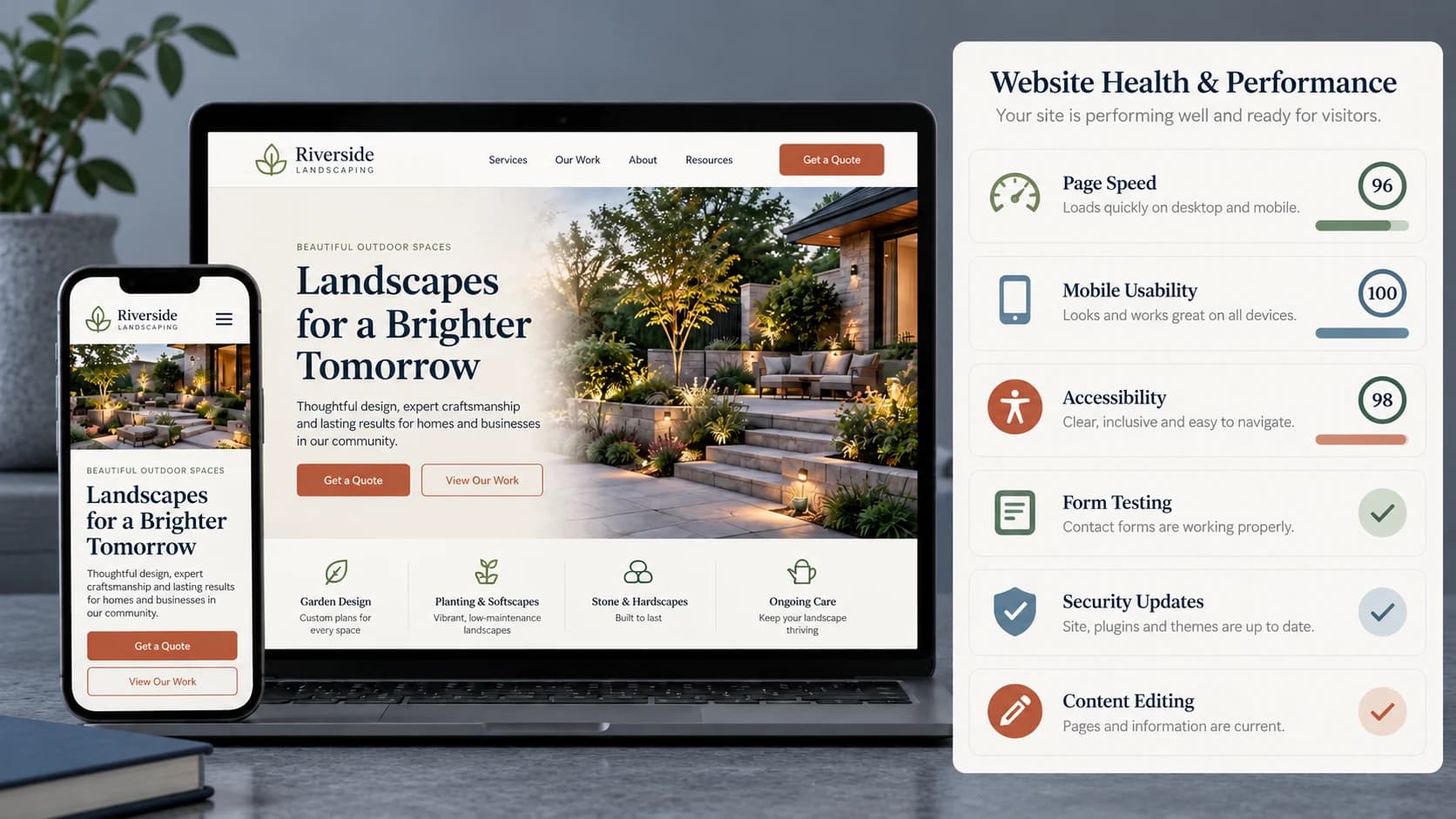
Measure important pages on representative mobile devices and connections. A single performance score is not the whole experience, so also check how quickly the main content appears, whether the page shifts while loading, and how soon it responds to interaction.
Performance is ongoing. A fast launch can become slow after months of oversized uploads and additional third-party tools.
Make Accessibility Part of the Build
Accessibility improves the site for customers using keyboards, screen readers, zoom, voice input, or different visual settings. Use semantic headings, descriptive link labels, suitable color contrast, visible focus states, form labels, useful image descriptions, and controls that work without a mouse.
Automated checks can find some problems, but they do not replace manual testing. Navigate the key journeys with a keyboard and listen to important pages with a screen reader before launch.
Build Trust with Specific Information
Generic statements such as “high quality” or “customer focused” provide little evidence. Useful trust information includes the real service area, process, qualifications, pricing approach, relevant work examples, verified reviews, and what happens after an enquiry.
Keep contact details consistent and explain response expectations honestly. If the business responds within one working day, say that instead of implying round-the-clock availability.
Test Enquiries from Beginning to End
A form displaying a success message does not prove that the enquiry reached the team. Test the full route:
- submit the form on mobile and desktop
- confirm validation is understandable
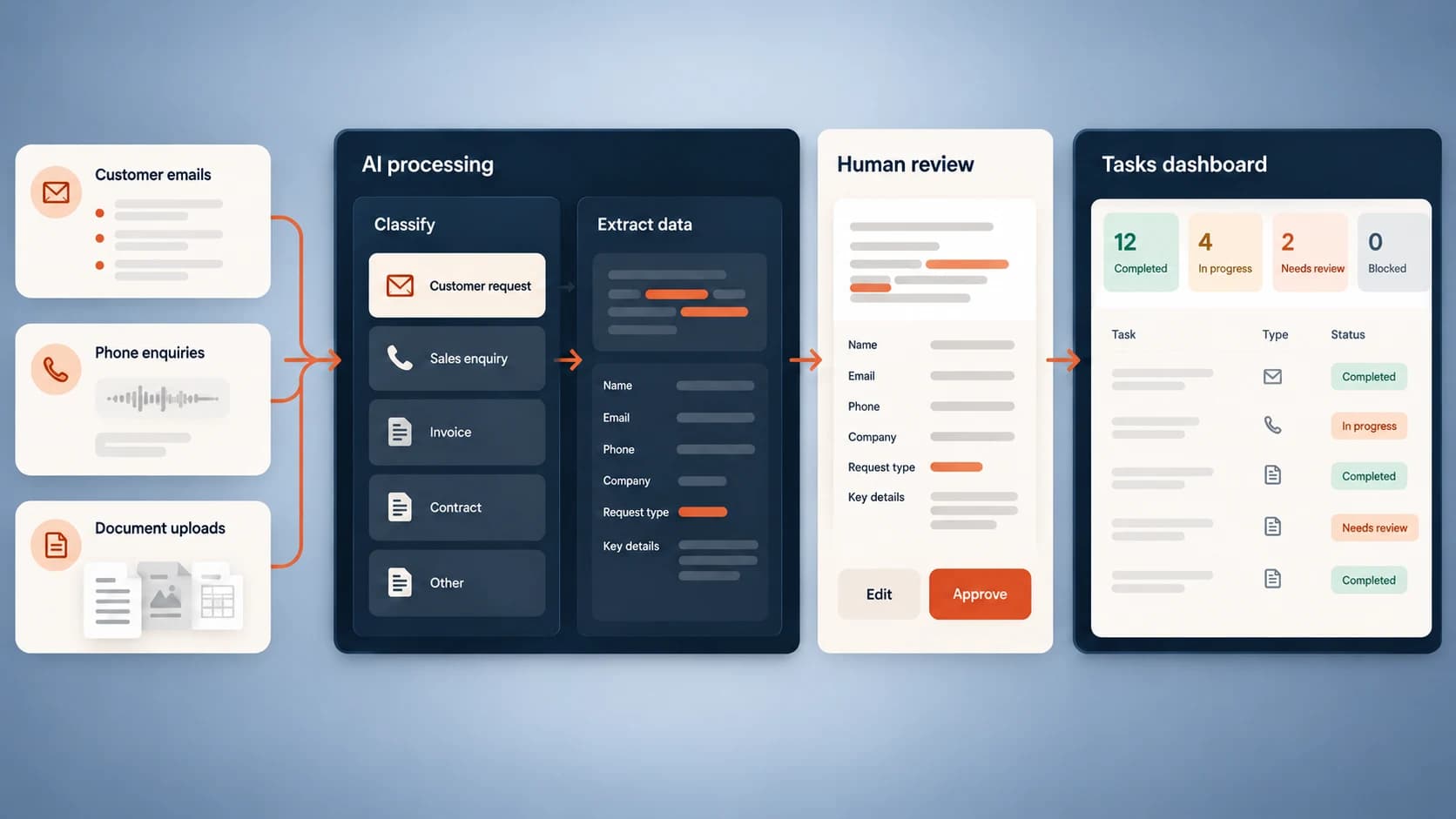
- verify the message reaches the correct inbox or system
- check the customer receives an appropriate acknowledgement
- confirm staff know who owns the follow-up
Monitor delivery after launch. A broken contact route can remain unnoticed when everyone assumes a quiet week is simply low demand.
Clarify Ownership Before Launch
The business should know who controls the domain, hosting, analytics, content system, third-party accounts, and backups. Access should not depend on one freelancer's personal account. Document renewal dates and use individual logins with appropriate permissions where possible.
Agree how the site will be maintained. A realistic plan includes software and security updates, backups, form checks, broken-link checks, content reviews, and performance monitoring. It should also explain how urgent fixes and ordinary content changes are requested.
Decide Whether to Repair or Rebuild
A slow or dated-looking site does not automatically need replacement. Repair is often sensible when the content structure is sound, the system is supported, and the main problems are isolated. A rebuild becomes more reasonable when the platform is unsupported, editing is unsafe, core journeys are fundamentally confusing, or repeated fixes cost more than replacing the foundation.
Start with an audit that separates content, design, technical, and operational problems. This prevents a visual redesign from leaving the same enquiry and maintenance issues underneath.
Measure What the Website Supports
Track useful actions such as calls, forms, bookings, product sales, or direction requests. Review which pages contribute to those actions and whether enquiries are suitable. Pair analytics with staff feedback about common questions and missed information.
A good small-business website is not finished because it uses modern technology. It is successful when customers can understand and act, staff can manage it, and the business can see where it is helping or failing.
Altus Media Labs